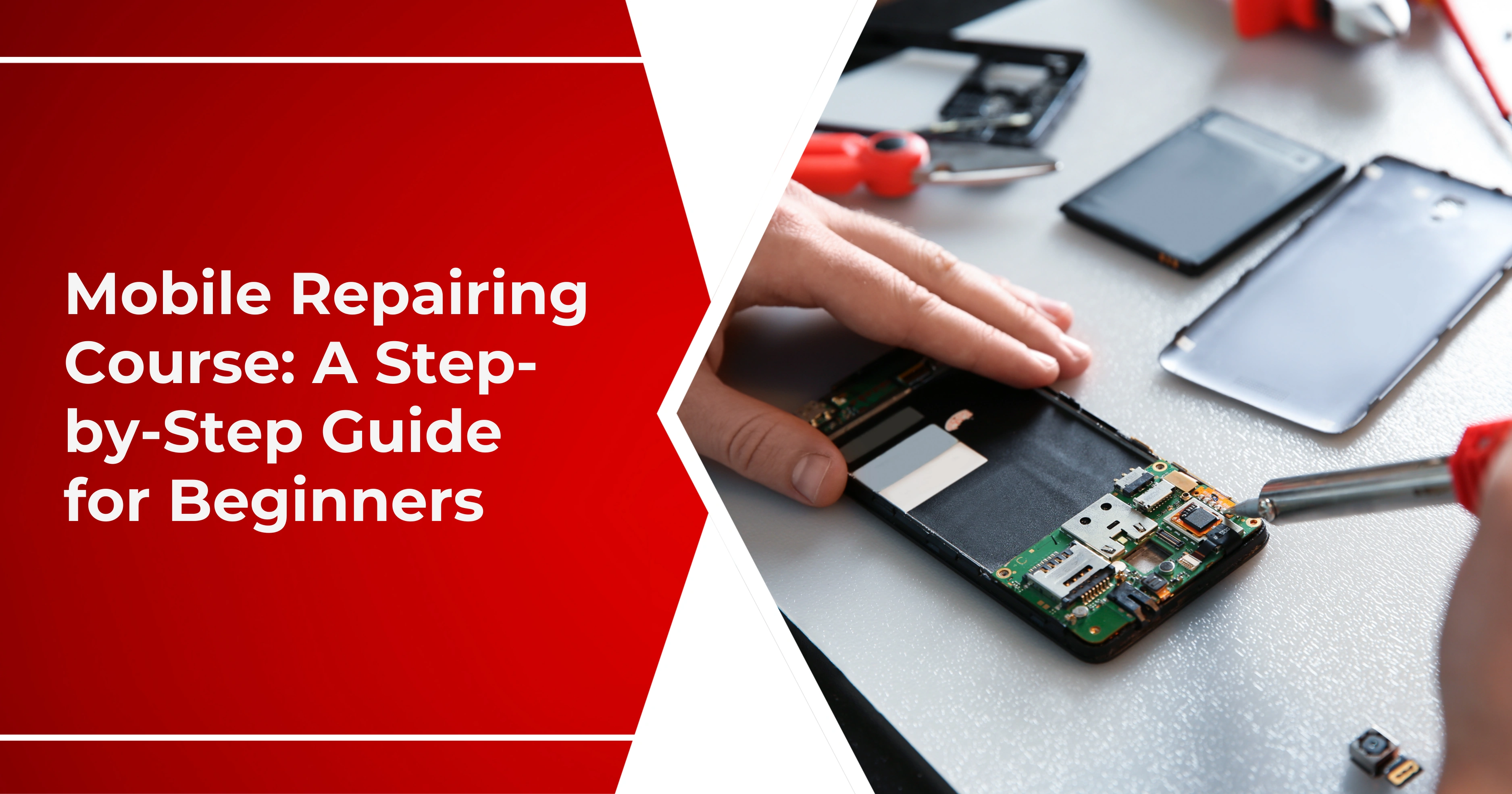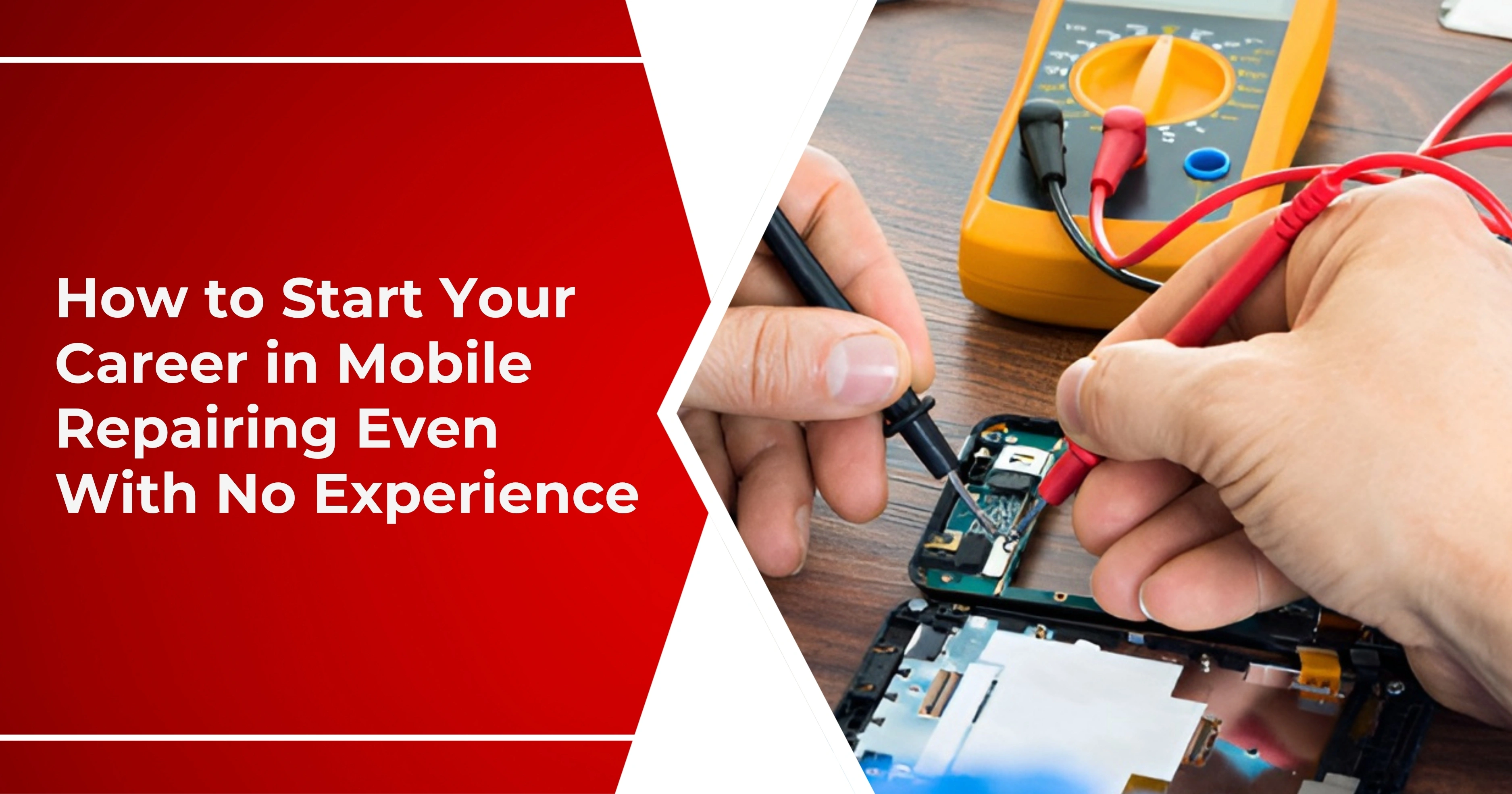

Today, smartphones and tablets are an integral part of our communication and work lives as well as entertainment lives. Sadly, however, one common problem that most users often experience is a faulty charger port. Faulty charger ports on mobile devices can become an inconvenience in daily life and reduce productivity. However, overcoming this problem calls for very basic tools and requires patience. This is an all-inclusive guide that takes you through steps to fix a phone charging socket and will give practical tips on how to mend a faulty charger connection.
Understanding Charger Port Issues
The common frustrating problems associated with mobile and tablet device users are generally linked to charging the device through the charger ports. Aspects in diagnosing the charging problems include:
Common Symptoms of Charger Port Problems
These problems may arise from wear and tear, or simply dirt accumulation, as well as accidental damage. Now let's take the next steps to fix your phone charging socket effectively.
Tools and Materials You’ll Need
Before you repair the broken charger port of your phone or tablet, make sure to collect all the necessary tools and materials. This way, the whole process will run smoother and you'll be able to deal with the problem. Here's what you'll need:
- Flat Workspace: A clean, well-lit area to work on your device helps prevent losing small parts.
- Flashlight: Use this to inspect the charging port, which will help you notice any debris or damage within the port.
- Tweezers or a Small Pick: These tools allow you to be careful when removing debris without damaging the charging port.
- Isopropyl Alcohol: A cleaning agent that helps remove grime and dirt. Remember to use a high concentration (at least 70%).
- Soft cloth: Use it to clean the port along with the areas surrounding it gently.
- Toothpick: Good for lightly scraping debris out of the port.
Essential Tools
Spare Parts
New Charging Port: If your inspection concludes that the port cannot be repaired, you need to purchase a compatible replacement part.
- Screwdriver Set: If one would have to take his equipment apart, a proper screwdriver set would make it much easier and less damaging to the screws.
- Spudger Tool: This piece of plastic can pry into opening your computer without scratching its surface in the process.
- Having everything prepared for this will increase one's chances of successfully troubleshooting their device's charger port for repair.
Available Tools:

Steps to Repair a Phone Charging Socket
Step 1: Inspect the Charger Port:
The first crucial inspection for a charger port is always an assessment. This will help determine any potential physical defects that may cause the charging problems. Now, how to inspect your charger port properly:
- Power Off Your Device: Check your charger port before making any steps. This process will make sure that all the electricity is off to your phone or tablet, as this may cause an electric shock or damage the equipment.
- Use a Flashlight: Use a flashlight to illuminate inside the charging port to see better. Shine it into the port to take a look inside.
- 1. Debris: In this case, dust lint or any other foreign object can block the connection.
- 2. Physical Damage: First of all, check for any cracks or bent pins on the monitor which would limit charging.
2: Clean the Charging Port:
Once you have inspected the charging port for dirt and debris, the next thing to do would be to clean it. A clean port could sometimes solve problems resulting from dirt accumulation. Here's how to do it safely and effectively:
- Power Down Your Device: Before you start cleaning your phone or tablet, ensure to power it down. It will protect you and your device during the process.
- Prepare Your Cleaning Supplies: You will need the following cleaning items:
- 1. Small pick or toothpick: Used to clean off debris delicately
- 2. Isopropyl alcohol: For loosening any sticky residue.
- 3. Soft cloth: For drying and wiping away moisture on the outside.
- Clear Debris: Insert the toothpick or small pick into the charging port slowly and carefully to dislodge any dust, lint, or other foreign particles. Be gentle so you don't damage the internal components.
- Work Slowly: Avoid scratching or bending any pins inside the port.
- Check Frequently: Periodically inspect the port with your flashlight to see if you're removing all the debris.
Step 3: Test the Charger and Cable
After cleaning the charging port, one is left wondering whether the issue is being caused by the charger or the cable, or by the gadget itself. It may be tested to track the source of the issue. Here is how one can do that:
- Use a Different Charger: For testing if the existing charger is still functional:
- Find another matching charger: Find another compatible charger for your device and apply this, especially when you know that the other device works well with such a charger.
- Observe Charging Behavior: Test the different chargers and cables:
Look for charging indicators: You will be able to see some kind of display on your device which may come as battery icons or notifications to let you know that it is on charge.
4: Examine for Loose Connections:
If the port is clean and still not charging properly, then it has a loose connection. Here is how to check:
- Gently Wiggle the Charger: Insert the charger gently and then wobble it slightly to determine whether it connects better at some angles.
- Listen for Sounds: Pay Attention to Sounds Heard during Charging: If it makes any sort of charging sound, then a connection problem exists.
5: Repairing Loose Connections:
If you think something is loose, do the following:
- Dismantle the Device: Advanced. It may void your warranty. If you're comfortable doing so, follow a guide specific to your model.
- Locate the Charging Port: If possible, remove the battery to expose the charging port.
- Check the connections: Just ensure that all the connections are tight. In case of loose wires, re-sold them or replace the charging port if necessary.
Step 6: Replace the Charging Port (if Needed):
If you have checked the port and cleaned it without solving the problem, chances are that replacing it will be the next best course of action. Here is how to replace your device's charging port.
- Purchase replacement charging port: Be certain to purchase a part that fits specifically for your type of device.
- Use repair guides: online tutorials, specific to your device, can guide you through how to disassemble and replace it.
- Reassembling the Device: After installation of the new port, proceed to carefully reassemble your device.
Preventing Future Charger Port Issues
To prevent future charger port problems, some preventive measures need to be adopted. Here are efficient ways to ensure long service life for your charging port and functional devices:
- Keep the Port Clean: Periodically check the charging port for dust or lint and clean as needed. You may blow compressed air gently to remove stubborn dirt without breaking it.
- Use a Quality Case: Invest in a protective case and protect your device from dropping or impact: Choose a case with port protection: In some cases, it even comes with a cover or flaps for the charging port that helps keep it clean and protected.
- Handle Charging Cables with Care: Do not pull or pull any cable out to remove it. Just pull straight out while holding the plug firmly. Remove all other cables and coil the cables loosely when unused. Avoid unnecessary sharp bends as these may potentially cause damage inside.
- Use Compatible Chargers: Always opt for chargers and cables specifically designed for your device: Original Equipment Manufacturer (OEM) Products: Use, wherever possible, the charger and cable that came with your device or certified to ensure compatibility.
- Charge Responsibly: Fully charged, unplug your device to prevent overheating, which could damage its internal parts; also do not leave your device plugged in overnight because it could wear away the charging port.
- Be Mindful of Environmental Factors: Use your device at a safe distance from water and humidity since moisture can be corrosive to the charging port. Extreme temperatures also affect battery performance and reduce charging efficiency. Do not expose your device to heat or extreme cold. Implementation of these measures above has heavily reduced the cases to happen with your recharger ports. As a whole, most devices are still in good health as usual.
Conclusion
Fixing the broken charger port on your phone or tablet does not have to be a chore. Use the steps provided in this guide to address charger port issues on mobile devices and get back to your daily routine. Remember to inspect, clean, and test thoroughly. If you are looking to master mobile repair from home? Ak Info offers the top online mobile repair course tailored for you.
Always prevent and extend the life of your device. With a little patience and the right tools, one would be able to repair faulty charger connections and see all his devices working with complete efficiency.